The software that runs our instructor training, franchise, CPD and Standards Check — built in-house so nothing falls through the cracks, and every trainee gets a clear, tracked path to qualifying.
Most driving schools juggle spreadsheets, notebooks and memory. We built the Training Hub so every trainee, franchise ADI and CPD member is tracked, supported and never forgotten.
A live overview of every part of the business — trainees, sessions, hours and recent activity at a glance.
Tracks each trainee instructor through Part 1, 2 & 3 to qualification — logging every session, the hours covered, current stage and test bookings, with documents stored per trainee.
Manages qualified ADIs on franchise — PRN, transmission, postcode coverage, badge status and last Standards Check date, all in one record.
Keeps Standards Check clients and their training sessions organised and ready.
Runs CPD memberships — annual, monthly or one-off — with sessions and presentation resources in one place.
An interactive Liverpool & Southport postcode map showing exactly which areas are covered, and by which instructor.
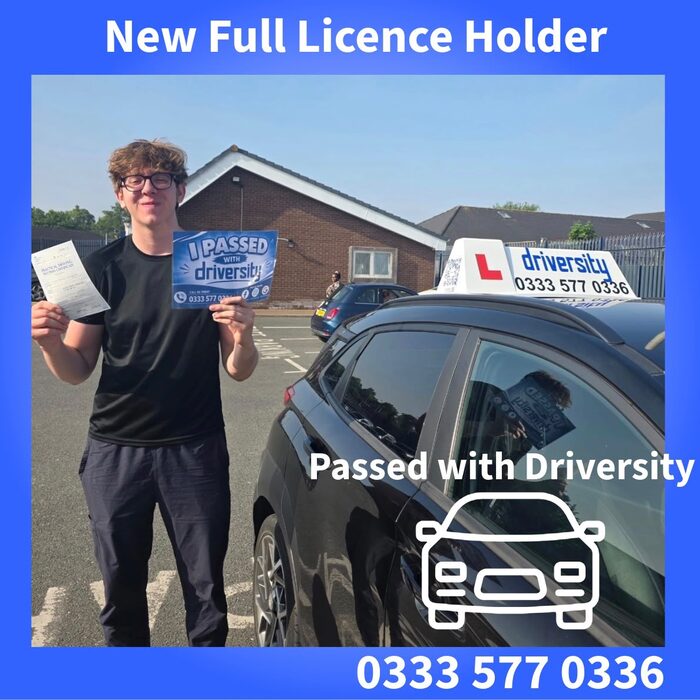
Your school's entire social media content — framed pass photos, branded graphics, AI pictures and captions — created in the Hub, ready to post to Facebook, Instagram and LinkedIn.
Explore Social StudioA searchable library of 80+ driving test routes (car, ADI and motorcycle) — each one openable in Google Maps or shareable to a pupil via WhatsApp in a tap.
Everyone signs in to their own secure account, seeing exactly what they need — nothing more.
The newest — and biggest — addition to the Hub. Frame pass photos in your branding with one click, generate designed graphics and AI pictures, and draft captions in your own voice — everything ready to post to Facebook, Instagram and LinkedIn. Agency-quality social media, in minutes a week.
A clear, tracked route from Part 1 to qualifying — you always know where you are and what's next.
Your details, coverage and Standards Check dates managed for you, so you can focus on teaching.
Your sessions and resources organised in one place, all year round.
Most schools still run their instructor training on paper forms, filing cabinets and signatures chased session after session. The Hub does all of it online — and we'll tailor it to the way your school works.
Every training form is completed online in the app and stored against the right trainee automatically. No paper, no filing, nothing to lose or re-key.
Email a PDI their training documents straight from the Hub. They're allowed to show digital copies on a device — most instructors don't realise this — and they can still print them off if they prefer.
Each PDI's signature is stored securely in their profile, so documents are signed for them. No chasing the same signature over and over, every session.
An at-a-glance overview of all your trainees and exactly what stage each one is up to — so nobody stalls, slips back, or gets forgotten.
Each trainee follows a clear, structured path from Part 1 to qualifying. They always know where they are and what's next — and so do you.
AI features help cut the admin — drafting messages, summarising progress and surfacing what needs attention. Need something specific? We can build new AI tools around how your school runs.
We didn’t buy this off the shelf — we built it, and it stays Driversity. Your school gets its own space inside the Hub: your instructors, your trainees, your records, your profile pictures. Think of it the way you’d think of any platform you already use — the software is ours, everything in your account is yours.
Part 3 · paperless · signed ✓
Part 2 · docs emailed
Part 1 · in progress
Qualified 🎉
The Hub is a progressive web app. You open it in a browser once, tap install, and it sits on your home screen with its own icon and opens full screen, exactly like any other app.
Open the Hub in Safari, tap Share, then Add to Home Screen. The icon appears with your other apps and opens without the browser bars.
Chrome offers to install it for you, or tap the menu and choose Install app. From then on it behaves like anything you'd download from Google Play.
Same again in Chrome or Edge — install it and the Hub gets its own window and dock or taskbar icon, separate from your browser tabs.
No downloads to manage, ever. Because it runs from the web, everyone is on the current version the moment we release it — no updating, no version mismatches across your team, and nothing waiting on app store approval.
Whether you're training to instruct with us, joining the franchise, or interested in a Hub for your own school — get in touch.